ShadowSim (With KONDOR)
A downloadable game for Windows and Android
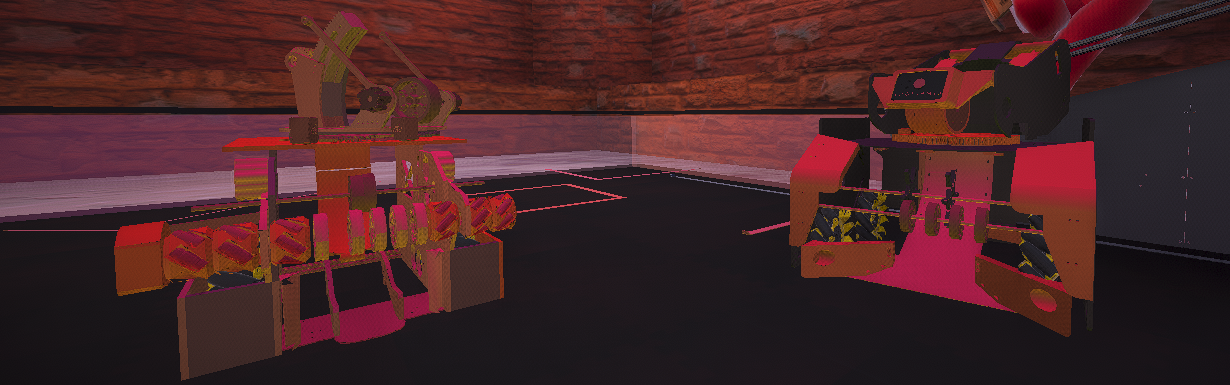
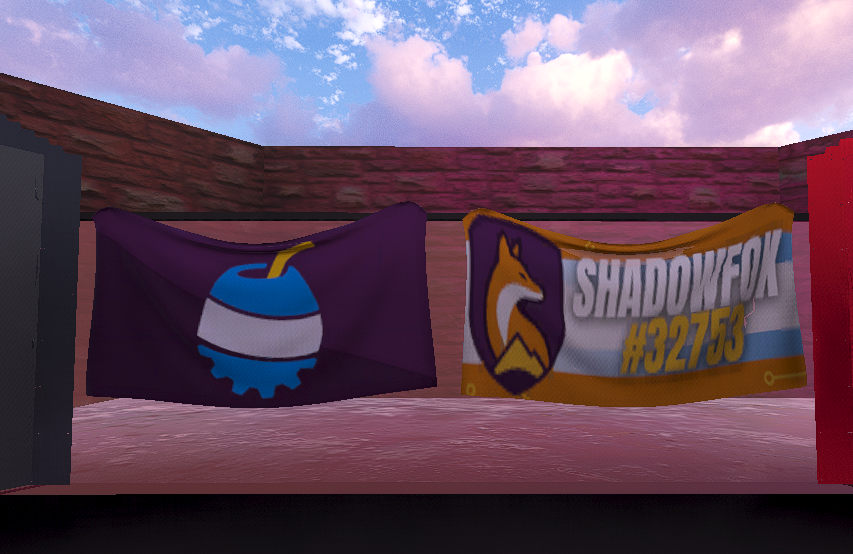
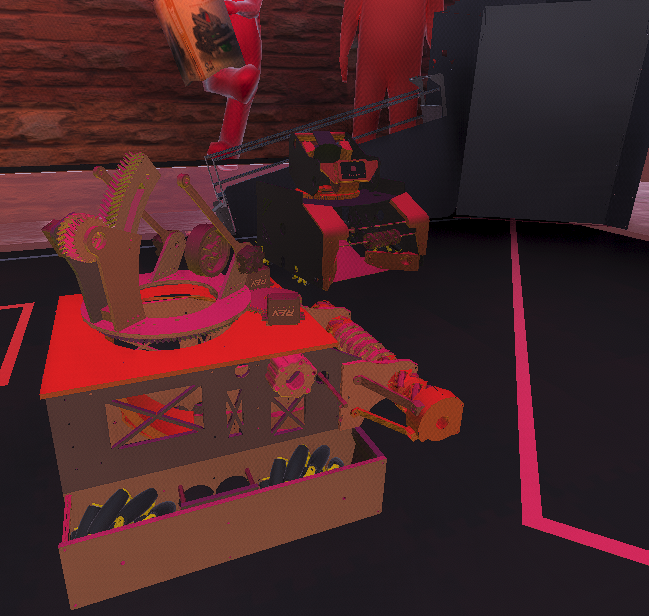
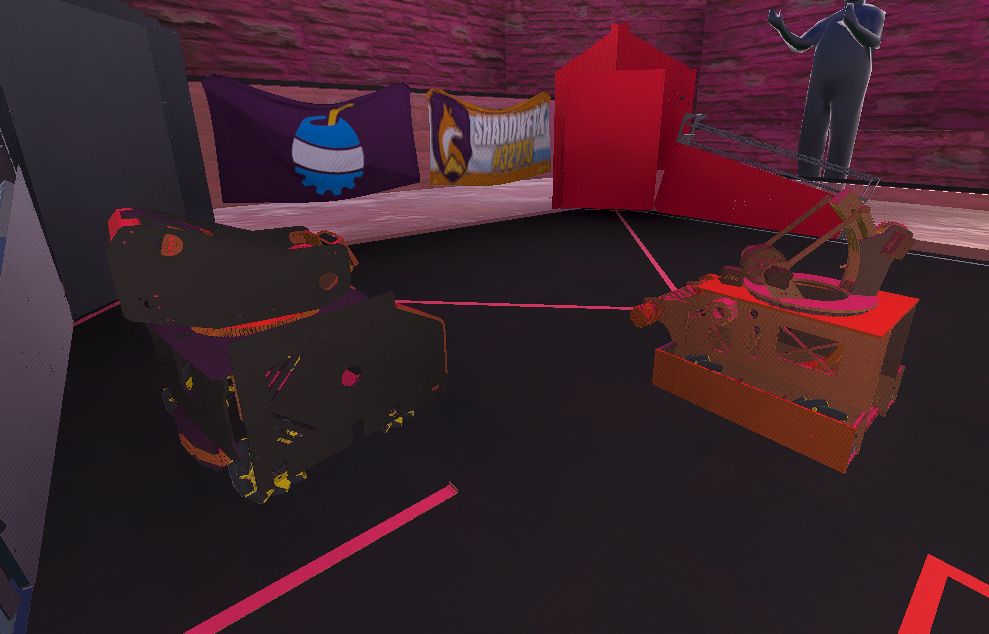
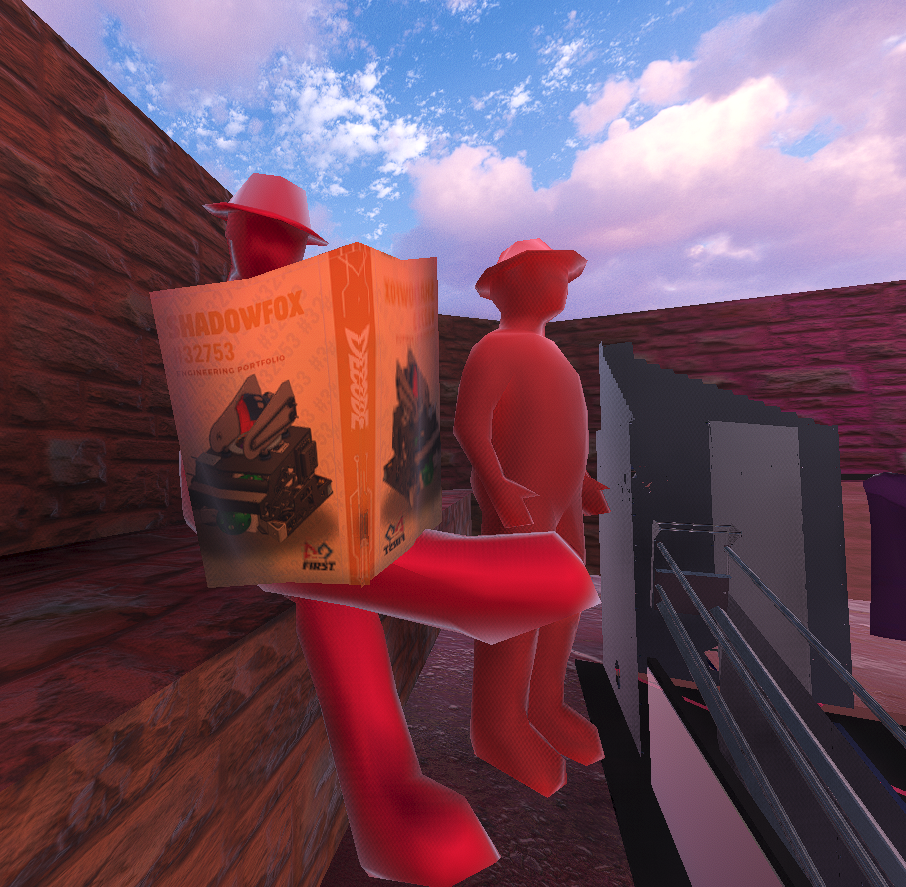
ShadowSim is an immersive simulator developed by Team ShadowFox #32753, designed to allow anyone to realistically experience the excitement of competing in FIRST Tech Challenge (FTC) DECODE.
Originally created for virtual reality devices such as Google Cardboard and VRBOX, ShadowSim was developed as an accessible alternative for enjoying VR without the need for expensive hardware. The project was built in Unity, integrating Google’s official VR packages to implement virtual reality functionality in a direct and efficient way.
Additionally, Blender was used to optimize the robot and competition environment’s 3D models. Initially, the robot chassis alone exceeded 5 million vertices, but after an extensive optimization process, it was reduced to fewer than 100,000 vertices. This significantly improved the simulator’s performance, stability, and overall fluidity across all supported platforms.
Currently, ShadowSim is available for:
- PC
- Android
- Google Cardboard / VRBOX
This allows users to enjoy the FTC DECODE experience across multiple devices, making the simulator more accessible to players, robotics teams, and enthusiasts.
HOW TO PLAY:
VR Mode (Android):
- You need a Google Cardboard or VRBOX headset
- A Bluetooth joystick is required to control the robot
PC Mode:
- WASD → Move the robot
- Arrow Keys → Rotate the robot
- Q / E → Decrease or increase shooting power/force
- Spacebar → Shoot
Download
Install instructions
PC Version:
- Download the
.rarfile - Extract the contents using programs such as:
- WinRAR
- 7-Zip
- WinZip
- Open the extracted folder
- Run
ShadowSim.exe - Enjoy the simulation
Android Version:
- Download the
.apkfile - Open the file on your Android device
- If prompted, enable Install from Unknown Sources in your device settings
- Complete the installation process
- Launch ShadowSim from your apps menu
VR Mode:
- Insert your phone into a Google Cardboard or VRBOX headset
- Connect your Bluetooth joystick
- Start playing in immersive virtual reality mode
Note: Make sure your device meets the necessary performance requirements for optimal gameplay.
Comments
Log in with itch.io to leave a comment.
God Game